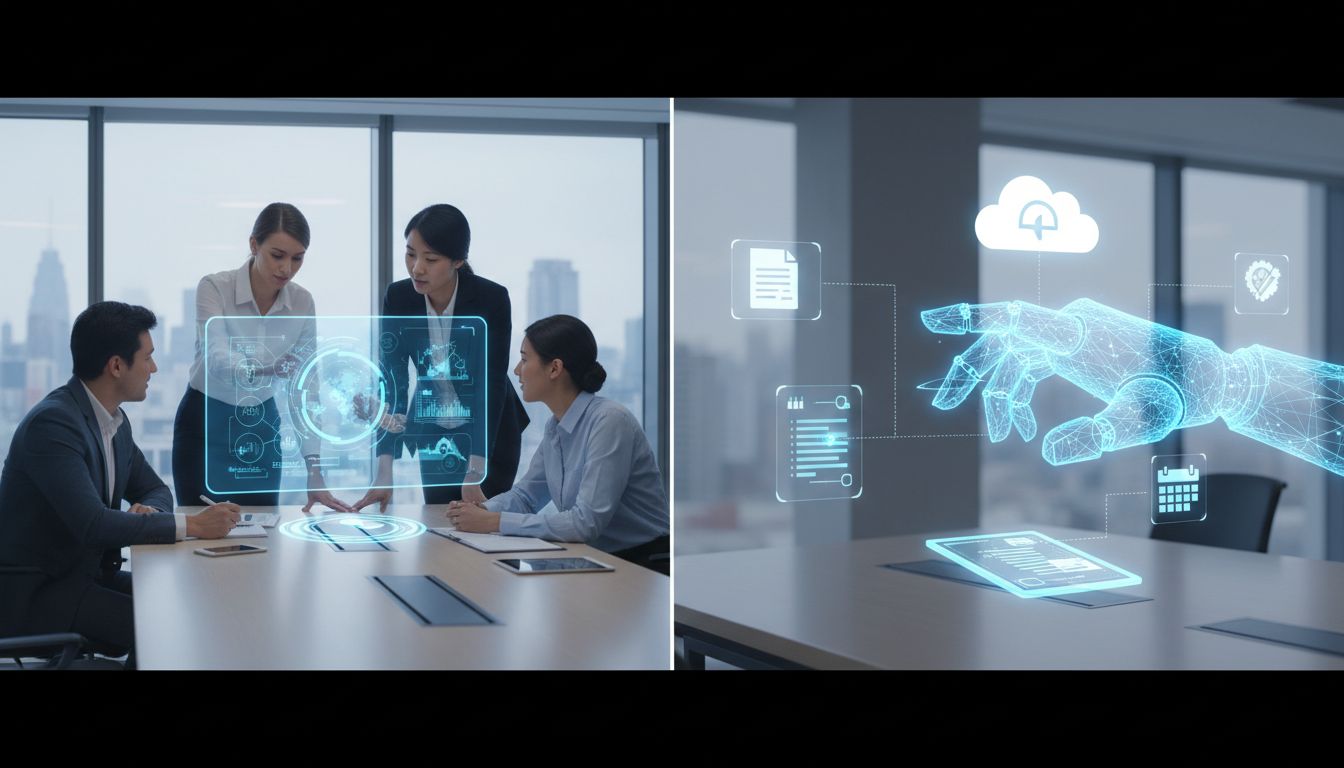

Repetitive PC work has long been the silent drain on modern productivity. The daily cycle of copying data between apps, updating settings, rewriting similar messages, summarizing documents, clicking through dashboards, and repeating the same browser steps can consume hours without feeling like meaningful progress. What is changing now is not just that AI can answer questions, but that it can increasingly help with the actual mechanics of computer use.
Two trends are driving this shift at the same time: local models that run directly on your device, and visual agents that can interpret screens and act through buttons, menus, forms, and websites. Together, they are beginning to reshape repetitive PC workflows into something faster, more guided, and more automatable for everyday users, small teams, and knowledge workers who simply want their computers to be less demanding.
Why repetitive PC workflows are finally becoming an AI problem worth solving
For years, desktop automation was either too technical, too brittle, or too limited to use comfortably. Traditional macros and scripts worked best in highly structured environments, but many real-world tasks are messy. Buttons move, websites change, windows overlap, and the same workflow often touches email, documents, spreadsheets, browser tabs, and system settings all in one session.
That is why the newest generation of AI tools is attracting so much attention. Instead of relying only on rigid rules, visual agents can interpret what is on the screen much more like a person does. They can identify fields, menus, text, and controls, then decide what to click, type, scroll, or open next. OpenAI describes its Computer-Using Agent, or CUA, as a “universal interface for AI to interact with the digital world,” which captures the bigger idea clearly: the screen itself is becoming the interface for automation.
The benchmark numbers show this is no longer just a lab curiosity. In 2025, OpenAI reported that CUA reached 38.1% success on OSWorld, 58.1% on WebArena, and 87.0% on WebVoyager. Those scores do not mean computer agents are fully reliable yet, but they do show visible progress on realistic browser and desktop tasks. For repetitive PC workflows, that progress matters because even partial success in common multistep actions can save people time every day.
Local models are bringing AI closer to the desktop itself
While cloud-based agents are getting better at taking action, local models are making AI feel more immediate and more built into the computer. Microsoft’s recent Windows strategy makes this especially clear. On June 23, 2025, Microsoft introduced Mu, an on-device small language model that powers the agent in Windows Settings on Copilot+ PCs. It maps natural-language requests into settings function calls, helping users change system behavior without hunting through menus manually.
What makes this important is not just the feature itself, but how it runs. Microsoft says Mu is fully offloaded onto the Neural Processing Unit, or NPU, and responds at over 100 tokens per second. That is a strong signal that local AI is no longer experimental decoration. It is being engineered for real-time operating system assistance, where speed and responsiveness matter because the user is actively trying to get something done.
Microsoft is also positioning Phi Silica as a core local AI layer inside Windows and Copilot+ experiences. According to Microsoft support documentation, Phi Silica is a transformer-based small language model optimized to run locally on the device’s NPU and supports productivity, accessibility, and AI-assisted workflows. In simple terms, that means repetitive PC workflows are no longer only something external apps try to automate. The operating system itself is starting to participate.
Inline assistance is reducing the need to bounce between apps
One of the most practical ways local models reshape repetitive PC workflows is by shrinking the number of steps between intent and action. Instead of opening a separate chatbot, copying content into it, waiting for a response, and pasting the result back, local AI can increasingly appear right where the work is happening. That saves time, but it also lowers friction for people who do not want to learn a complicated automation tool.
Microsoft’s Click to Do is a useful example. Microsoft says it is the first experience to leverage Phi Silica, with local model outputs appearing inline for actions like rewrite and summarize. That may sound simple, but for routine editing tasks it is a meaningful shift. If someone regularly polishes emails, rewrites updates, shortens notes, or summarizes documents, inline actions eliminate a surprising amount of repetitive effort.
Microsoft tied this local model approach directly to familiar Office-style work in a December 6, 2024 technical post, saying Phi Silica powers Click to Do as well as on-device rewrite and summarize capabilities in Word and Outlook. This is exactly how repetitive PC workflows evolve in practice: not through one dramatic fully autonomous assistant, but through many small, immediate interventions that remove repetitive editing, formatting, and communication tasks from the user’s day.
Visual agents are learning to handle the click, scroll, and type layer
If local models are making computers smarter from the inside, visual agents are making them more capable from the outside. These systems work through graphical interfaces the same way people do, which is crucial because much of everyday work still lives inside websites and desktop apps that were never designed with clean automation hooks. A visual agent can see a screen, infer the next step, and act on it without requiring a custom integration for every tool.
Google’s Project Mariner illustrates how quickly this area is developing. On May 20, 2025, Google said the updated Project Mariner can complete up to 10 tasks at a time, and that its computer-use capabilities are being brought into the Gemini API. That is important because it shows visual automation moving from isolated experiments toward orchestrated, product-ready systems. Repetitive browser workflows are no longer just about one task at a time; they are becoming managed sets of tasks.
Google also reported that Project Mariner achieved 83.5% on WebVoyager in a single-agent setup, a strong browsing benchmark result that suggests vision-based browser agents are improving at multistep website navigation. For users, the practical meaning is straightforward: the repetitive actions involved in collecting information, updating forms, checking portals, and moving through routine web processes are becoming much more realistic targets for AI assistance.
“Teach and repeat” may become the most important workflow behavior
The most exciting part of this shift is not just that agents can complete a task once. It is that they are being designed to repeat learned workflows with less effort next time. Google’s Project Mariner page explicitly frames “teach and repeat” as a core behavior, saying that once agents learn a task, they can try to replicate the same workflow in the future with minimal input. That description maps almost perfectly to how repetitive PC workflows actually appear in office life.
Think about all the small processes people repeat each week: downloading reports, renaming files, posting updates into a web tool, copying meeting outcomes into a template, checking multiple systems for changes, or preparing the same kind of email response. These are not always advanced business processes. They are often lightweight routines that are too frequent to ignore and too annoying to keep doing manually.
Teach-and-repeat behavior matters because it makes automation feel accessible. A user does not need to become a programmer or design a full workflow from scratch. Instead, the AI assistant can be shown how the task works, then help reproduce it later. For non-technical users and small teams, that lowers the barrier dramatically. Automation becomes less about “building a system” and more about “showing the computer what good looks like once.”
Multimodal local AI is making workflows more realistic
Many repetitive PC workflows are not purely text-based. They involve screenshots, icons, interface layouts, scanned documents, images in emails, and visual clues scattered across applications. That is why multimodal AI matters so much. A model that can only process text may help with drafting or summarizing, but it cannot fully support the kinds of workflows people navigate on a normal screen.
Microsoft addressed this directly on April 25, 2025, when it said Phi Silica gained vision-based multimodal capabilities, creating a built-in multimodal small language model on Copilot+ PCs for accessibility and productivity scenarios. This is significant because it brings local AI closer to the actual conditions of desktop work. A repetitive task often depends on understanding both text and visuals, such as recognizing the right button, reading a document preview, or interpreting a mixed-format screen.
The broader implication is that local models are becoming better partners for on-device assistance, while visual agents can take action across the interface. That combination supports a useful division of labor: local models can handle context, interpretation, rewriting, and quick responses near the user, while visual agents manage the operational layer of click, scroll, and type. In practice, that hybrid model may be what makes repetitive PC workflows genuinely easier rather than just differently complicated.
Reliability is improving, but desktop agents are still far from human level
It is important to stay realistic. Progress is real, but reliability is still a major limitation. Microsoft’s Windows Agent Arena offers one of the clearest signals here. According to the benchmark, the best current agent solves 19.5% of tasks, while a human scores 74.5% without external help. That gap is huge, and it tells us that complete hands-off desktop autonomy is not something most users should assume is ready today.
Research benchmarks reinforce the same message. The UI-Vision paper from March 2025 describes itself as the first comprehensive, license-permissive benchmark for fine-grained evaluation of computer-use agents in real-world desktop environments such as document editing and file management. Meanwhile, the WebGames benchmark from February 2025 evaluates browser interactions, input handling, cognitive tasks, and workflow automation. In other words, the field is getting more serious about measuring the exact kinds of repetitive GUI work people actually care about.
That said, imperfect does not mean useless. Many repetitive PC workflows do not require full autonomy to create value. Step-by-step guidance, partial task completion, inline suggestions, and supervised automation can still save meaningful time. For many users, the near-term win is not “the computer does everything alone,” but “the computer removes half the clicks and half the frustration.”
Open frameworks and protocols are turning isolated actions into workflow systems
Another reason this space is moving quickly is that the tooling around agents is maturing. Open-source frameworks are making it easier for developers and product teams to build workflow automation without starting from zero. Hugging Face introduced smolagents as a lightweight library for building agents that write actions in code, and later highlighted web automation examples powered by vision-language models with support for both local transformer models and hosted ones.
This matters because repetitive PC workflows are rarely solved by raw model intelligence alone. They also depend on memory, tools, connectors, and context sharing. Anthropic’s Model Context Protocol, or MCP, is designed as an open protocol that standardizes how applications provide context to language models, with support across Claude Desktop, Claude Code, Claude.ai, and the Messages API. In practical terms, protocols like this help transform one-off prompts into repeatable, tool-connected workflow pipelines.
As the ecosystem standardizes, users should see more assistants that can carry context across steps rather than restarting from scratch each time. That is especially valuable for small teams trying to automate recurring processes without maintaining a complicated custom stack. The more these systems can share context, trigger tools, and reuse prior task structure, the more repetitive PC workflows can be treated as stable routines instead of endless manual sessions.
Privacy, offline use, and hardware are shaping the next generation of automation
Local execution is not just about speed. It is also about privacy, control, and availability. Apple has emphasized that any app can tap into the on-device models behind Apple Intelligence, that these features can work offline, and that developers can use Foundation Models to build intelligent experiences that are private, offline-capable, and free of inference cost. That makes local AI especially appealing for personal workflows, sensitive business tasks, and environments where constant cloud dependence is undesirable.
Apple also connected this directly to automation through Shortcuts in June 2025, saying users can tap Apple Intelligence models, either on-device or with Private Cloud Compute, to generate responses that feed into the rest of a Shortcut. This is a strong example of how repetitive workflows are moving toward hybrid execution. Some thinking happens locally and privately, then the result can flow into a broader multi-step action chain.
Underneath all of this is the hardware story. Microsoft says Copilot+ PCs include NPUs capable of over 40 TOPS, and local Windows features like Click to Do and Phi Silica are explicitly designed around NPU execution. That means the future of repetitive PC workflows is increasingly tied to edge hardware, not just smarter models. As local chips improve, more workflow assistance can happen instantly, privately, and continuously on the device people already use.
The clearest pattern emerging in 2025 is hybridization. Local models are becoming the fast, private, always-available layer for interpreting context, rewriting text, summarizing information, and helping with OS-level actions. Visual agents are becoming the action layer, capable of navigating websites and interfaces through the same visual surface humans use. Together, they are reshaping repetitive PC workflows from a collection of tedious manual steps into something more teachable, repeatable, and assisted.
For everyday users, that does not mean every workflow will suddenly run itself. It means your computer is gradually becoming more capable of seeing what you see, understanding what you mean, and helping with the routine steps that normally drain time and attention. The technology is still maturing, and the reliability gap remains real, but the direction is now unmistakable: repetitive PC workflows are becoming one of the most practical and important frontiers for AI on the desktop.