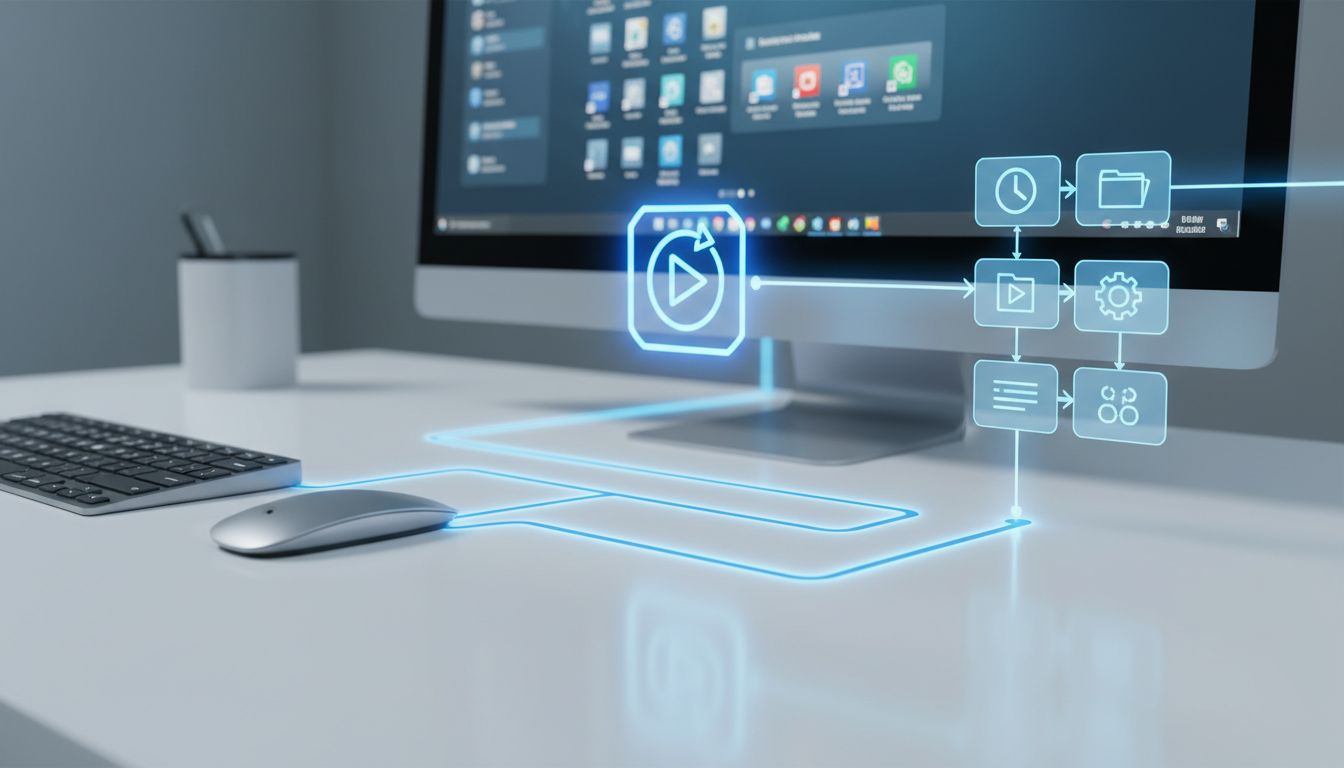

For a long time, automating desktop work felt like something reserved for technical people. You had to learn scripts, connect APIs, manage keys, and hope nothing broke when an app changed. That is starting to change. In 2026, the stack around local AI has become much more approachable, which means everyday computer users can now begin handing off small, repetitive desktop chores to models running close to home.
The exciting part is not just that local AI exists, but that it is becoming easier to use through simple, no-code flows. With tools like Ollama, LM Studio, n8n, Power Automate, and emerging MCP-compatible assistants, it is now realistic to imagine local models helping with inbox cleanup, document handling, browser tasks, file organization, and routine office busywork. For people who want more privacy, more control, and less friction, this is becoming one of the most practical directions in desktop productivity.
Why local AI is suddenly practical for everyday desktop work
Local AI used to come with a steep setup cost. Many people heard about running models on their own machine, but the experience often started in a terminal window and quickly became intimidating. That barrier has dropped. On July 30, 2025, Ollama announced a native desktop app for macOS and Windows, making local-model workflows much easier with a graphical interface, simpler model downloads, file drag-and-drop for PDFs and text, and support for multimodal models.
That shift matters because daily desktop chores are usually not developer tasks. They are things like checking documents, summarizing notes, cleaning inboxes, pulling facts from files, or helping draft responses. When local AI moves from command-line-first to point-and-click desktop software, more people can actually use it. The difference is not just technical convenience. It changes who can benefit.
LM Studio strengthens that same trend from a privacy-first angle. Its 0.3.0 update describes it as a desktop application that “runs entirely offline and has no telemetry,” while also exposing a local server with OpenAI-like endpoints. In plain English, that means you can keep sensitive work on your own device and still connect that local model to other apps and automations more easily.
What “daily desktop chores” really means
When people hear AI automation, they often picture huge business processes or advanced coding agents. But most desktop productivity wins come from much smaller jobs. Daily chores include triaging email, extracting information from PDFs, renaming files, copying data between apps, filling repetitive forms, updating spreadsheets, checking calendars, and gathering notes from a browser session.
Recent examples show this idea is no longer theoretical. In 2026, Ollama’s OpenClaw post described a personal AI assistant that can “clear your inbox, send emails, manage your calendar” and handle other tasks through messaging interfaces, with local models working out of the box. That is almost exactly the promise many people want from desktop AI: not a flashy demo, but real help with the work that keeps interrupting the day.
There is also a broader industry shift toward the desktop as an AI control layer. OpenAI described its Codex desktop app for Windows, in a March 4, 2026 update, as a “command center for agents.” Even though that is not a local-model product, it reinforces the same trend: the desktop is becoming the place where people launch, supervise, and refine AI-driven work. Local models fit neatly into that picture, especially when privacy and file access matter.
Simple, no-code flows are making automation less intimidating
The biggest breakthrough is not only smarter models. It is simpler workflow building. No-code and low-code systems are making it far easier to turn a repeated task into a reusable flow. Instead of writing scripts, users can describe what they want, connect a few actions, and review the result in a visual builder.
Microsoft’s Power Automate for desktop is a strong mainstream example. Microsoft Learn says users can create a new desktop flow using Copilot, where actions are generated from a prompt and opened in the designer for review. Supported action areas include Email, Excel, File, Folder, Outlook, PDF, Text, Word, Mouse and Keyboard, HTTP, System, and more. That coverage lines up closely with everyday office chores.
Microsoft also updated its documentation on January 16, 2026 for “Record with Copilot,” also called AI Recorder, describing desktop flow creation as “easier than ever.” Users can describe or demonstrate tasks and turn them into flows. Even better, Power Automate desktop build 2501 notes that Copilot can help summarize actions and subflows in preview. That matters because automation becomes much more approachable when the tool can explain what a flow does in plain language, not just build it.
How local models and no-code tools now fit together
For a while, local models and no-code automation lived in separate worlds. One was for AI enthusiasts, and the other was for workflow builders. That gap is closing quickly. A good example is n8n, which announced on March 24, 2026 that its MCP server can create new workflows and update existing workflows in version 2.14.0 beta across cloud, self-hosted community, and enterprise versions.
n8n explained the value in simple terms: users wanted to build and modify workflows “from within your own AI tooling without switching back to the editor for every change.” That is exactly what makes simple, no-code flows feel practical. Instead of treating the automation editor and the AI assistant as separate systems, they start working together as one continuous experience.
There is also community proof that this can work without paid APIs. In March 2026, the n8n community published “11 Self-Hosted AI Workflow Templates for n8n + Ollama (No API Keys Needed).” Community templates are not the same as official vendor documentation, but they are a useful signal. They show people are already packaging local-model automations for everyday use cases, including content workflows and repeatable desktop-style tasks, without relying on external keys.
MCP is becoming the connector layer for real tool use
One reason local AI feels more useful now is that models are no longer limited to answering questions in a chat window. They can increasingly connect to tools in a standard way. MCP, or Model Context Protocol, has emerged as an important bridge between models and the software they need to interact with, from files and databases to desktop actions and external services.
Anthropic announced in December 2025 that MCP was being donated to the Agentic AI Foundation and reported “more than 10,000 active public MCP servers.” It also noted adoption by ChatGPT, Cursor, Gemini, Microsoft Copilot, Visual Studio Code, and others. That is a strong sign that tool-connected AI workflows are moving into the mainstream, not staying in an experimental corner.
The official MCP ecosystem is also maturing through standardization. The MCP site shows a 2025-03-26 specification and a roadmap indicating the MCP Registry launched in preview in September 2025 and is moving toward general availability. For non-technical users, that kind of standardization matters even if they never read a spec. It usually leads to better compatibility, easier integrations, and more reliable no-code and desktop assistant experiences over time.
Local models are getting better at seeing and operating interfaces
Another major reason to take local desktop automation seriously is that open and lightweight models are getting better at handling visual interfaces. This is important because many desktop chores happen inside apps that are not neatly exposed through APIs. A model often needs to see the screen, understand buttons, fields, menus, and panels, and then take the next step safely.
Hugging Face’s Smol2Operator post from September 23, 2025 highlighted GUI automation as a real research and product direction for smaller open models. The post says the work shows how a “lightweight vision-language model can acquire GUI-grounded skills and evolve into an agentic GUI coder.” That is a concise and useful description of why local desktop assistance is becoming more feasible.
Hugging Face’s broader 2025 VLM overview also notes that recent vision-language models can operate over browser, computer, and phone use, and that GUI agentic tasks are now an active category. Its smolagents documentation further shows local inference is a first-class path, with support for local models through Transformers and a TransformersModel reference for loading Hugging Face models on your own machine. Together, these developments point toward local AI that can do more than chat. It can increasingly observe, reason about, and act within real desktop environments.
Browser and desktop chores are starting to merge into one workflow
A lot of so-called desktop work actually happens in the browser. Logging into systems, copying information from websites, checking dashboards, updating forms, and downloading documents are all routine chores for knowledge workers. That is why browser automation has become such an important part of the local-model story.
The browser-use project documentation says users can automate websites with either a hosted LLM provider or local models through Ollama. That flexibility is useful because it lets people start with a familiar local runtime and apply it to repetitive browser tasks without redesigning their whole workflow stack. The browser-use/desktop repository goes one step further by describing a desktop app that lets AI agents control a local Chrome browser.
For non-technical teams, this convergence is especially promising. It means one assistant can potentially help with both on-screen desktop tasks and browser-based chores using the same local model foundation. Instead of thinking in separate buckets like “AI chat,” “browser bot,” and “desktop automation,” users can start thinking in terms of one guided system that helps them complete real tasks from start to finish.
What a practical privacy-first setup can look like
If you are interested in local AI for daily desktop chores, a practical setup does not have to be complicated. A local runtime such as Ollama or LM Studio can provide the model layer. A no-code builder such as n8n or Power Automate can handle repeatable workflows. A desktop assistant can guide you through steps on screen or automate selected actions. And connectors such as MCP can help those parts work together.
This matters most when your work touches personal files, internal documents, schedules, and messages. A privacy-first setup gives you more confidence than sending every task to a remote service. LM Studio’s “runs entirely offline and has no telemetry” positioning speaks directly to that need. For many people, local AI is not just about cost or speed. It is about keeping everyday work closer to the device and under their control.
At the same time, local does not have to mean isolated. Ollama’s 2026 update around ollama launch shows how local-model environments are evolving from simple chat experiences to agentic tool runners, with support for tools such as Claude Code, OpenCode, and Codex using local or cloud models and “no environment variables or config files needed.” That kind of simplification is exactly what helps local AI fit into ordinary desktop routines rather than staying a hobby project.
Why this matters for real people, not just AI enthusiasts
The most important takeaway is that local AI is becoming useful in a very human way. It is not only about benchmarks, giant agents, or advanced developer workflows. It is about reducing the little moments of friction that make computer work tiring: switching apps, retyping information, organizing files, chasing email threads, reviewing PDFs, and repeating the same clicks every day.
For non-technical users and small teams, simple, no-code flows make that promise much more realistic. You do not need to become an automation expert to benefit. More tools now let you describe what you want, record what you do, or connect prebuilt steps visually. And because local models are becoming easier to run on Windows and macOS, the barrier to trying this approach is lower than it was even a year ago.
Looking at the current landscape in April 2026, the pieces are clearly converging: local model runtimes like Ollama and LM Studio, standards like MCP, local-friendly agent frameworks like smolagents, and no-code orchestration from n8n and Power Automate. Put together, they support a simple idea with growing credibility: let local models handle your daily desktop chores with simple, no-code flows, and keep more of your work private, manageable, and calm.
You do not need to automate everything at once. In fact, the best place to start is usually with one or two annoying tasks that happen every day. Maybe it is summarizing PDFs into notes, organizing downloads, drafting routine email replies, or collecting information from a browser into a spreadsheet. Once one flow saves you time, the value becomes very obvious very quickly.
The broader trend is clear. Local models are moving from interesting experiments to practical desktop helpers, and no-code tools are turning that power into something more people can actually use. If your goal is to save time, reduce frustration, and stay in control of your work, this is one of the most promising directions in productivity today.