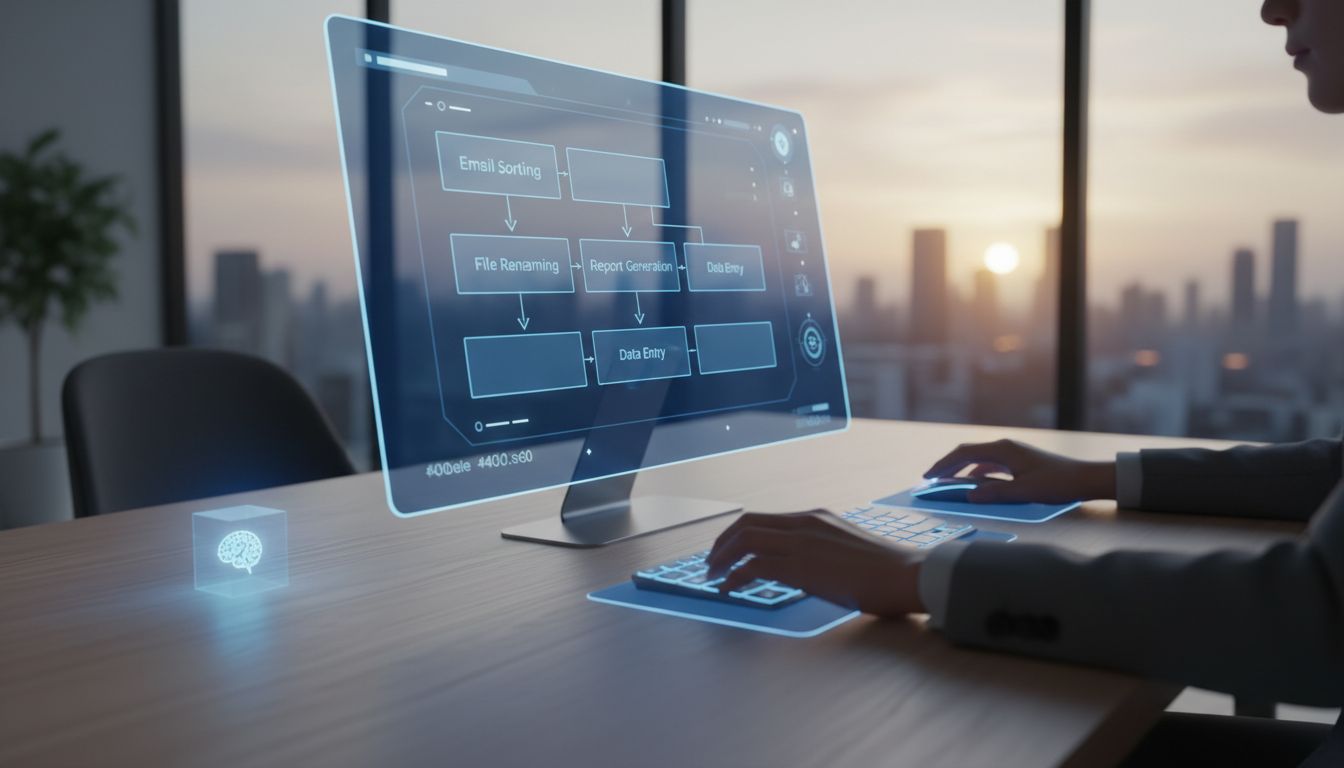

Personal assistants are getting more capable, but they are also handling more of the things people care about most: messages, documents, voice notes, calendars, on-screen activity, and everyday work habits. That is why “on-device first” matters so much in 2026. It is no longer just a privacy slogan. Apple says many Apple Intelligence models run entirely on device, and Android now exposes Gemini Nano through AICore for local processing with improved privacy. The direction is clear: the best assistants should keep as much work as possible on your computer or phone, and only reach out when they truly need extra help.
For everyday users and small teams, this design shift is practical as well as protective. A personal assistant that works on-device can feel faster, stay useful when you are offline, and reduce how much sensitive information leaves your machine. The strongest emerging pattern across major platforms is simple: local inference first, minimal cloud second, and strong verification whenever data must cross a boundary. Below are the most useful design patterns behind that idea and why they matter for assistants that see your screen, guide your workflow, and automate tasks.
1. Start with on-device processing by default
The first and most important pattern is to do as much assistant processing on-device as possible. Apple’s Siri privacy statement says Siri is designed to do as much processing as possible right on the user’s device, including tasks like reading unread messages and generating suggestions. On capable devices, Apple says user-request audio is processed entirely on device unless the user chooses to share it. That is a strong example of privacy by architecture, not just privacy by policy.
Google is pushing in a similar direction. Android’s current documentation describes Gemini Nano as Android’s foundational model for running on-device GenAI, exposed through AICore, a system service built for local execution. This matters because system-level runtimes can enforce stronger permissions, updates, and auditing than scattered app libraries. In simple terms, the assistant engine lives in a place where the platform can better protect it.
For users, the benefit is easy to understand. If your assistant can summarize text, classify content, help draft replies, or interpret screen context without sending raw data away, there is less to leak, less to retain, and less to worry about. Privacy improves because fewer requests leave the device at all. Performance often improves too, since local processing can reduce waiting time and keep working even during spotty connectivity.
2. Keep personal context local, especially screen and behavior data
A useful assistant depends on context, but context is often the most sensitive part of the experience. It may include what is visible on your screen, what app you are using, who you message, what files you open, and how you move through tasks. Apple says Siri can use the information on your device to help find what you are looking for without compromising privacy, and says Apple Intelligence can be aware of personal information without collecting that personal information. That is the right design goal: use context without centralizing it.
Android’s Private Compute Core offers another valuable pattern here. Google describes it as a secure environment isolated from the rest of the operating system and apps, where sensitive ambient and OS data can be processed. For assistants that rely on screen, microphone, camera, or behavioral signals, this kind of dedicated subsystem is important. It creates a boundary around the assistant’s most private inputs instead of letting every app touch them freely.
In practice, this means assistant builders should treat personal context as something to borrow briefly, not something to warehouse. If an assistant needs to understand that you are looking at a spreadsheet, replying to email, or updating a CRM, it should infer what it needs locally and move on. The assistant becomes helpful because it understands your environment, but respectful because it does not constantly export or store a copy of that environment elsewhere.
3. Make offline capability part of the privacy design
Offline support is often described as a convenience feature, but it is also a privacy feature. Apple’s WWDC 2025 announcement said developers will be able to access the Apple Intelligence on-device foundation model directly, calling it powerful, fast, built with privacy, and available even when users are offline. Google has made a similar point around Gemini Nano, including features that work even when there is no network connection. If the assistant can function without the internet, many sensitive prompts never need to leave the device.
This changes how people experience trust. When users know an assistant can still help draft, organize, classify, or guide them with no connection at all, they naturally understand that some tasks are not dependent on remote servers. That makes privacy more tangible. It is no longer a vague promise hidden in a policy page. It becomes part of the product’s everyday behavior.
For desktop assistants, offline capability is especially valuable in work settings. People may be traveling, working on unstable Wi-Fi, or handling sensitive information that should not move outside the device. An assistant that can continue guiding workflows step by step without calling home every few seconds offers both reliability and reassurance. That is a rare case where user experience and privacy are aligned almost perfectly.
4. Use the cloud only for overflow complexity
Not every request can be handled locally. Some tasks are too large, too complex, or require models beyond what fits comfortably on-device. The smarter pattern is not “never use the cloud,” but “only escalate when it is truly needed.” Apple describes this split-compute approach clearly: on-device models handle many requests, and for more complex requests, Private Cloud Compute extends the device’s privacy guarantees into the cloud. This is one of the strongest current blueprints for assistant design.
The advantage of this hybrid model is that it keeps the default path simple and private. Most assistant interactions can be resolved locally, where the user’s personal data stays nearest to them. Only edge cases, such as harder reasoning or larger generative tasks, need extra compute. That sharply reduces exposure compared with assistants that send every prompt and every piece of context to remote infrastructure by default.
For product teams, this also encourages better discipline. If cloud use is treated as overflow rather than the standard path, designers must decide which tasks genuinely require it. That pressure improves data minimization. It also creates a better experience for users, who can expect the assistant to stay local whenever possible and only cross the boundary when there is a clear, justified reason.
5. If data leaves the device, make the path verifiable
When cloud processing is unavoidable, trust should not depend only on marketing claims. A stronger pattern is cryptographic verification. Apple says devices can verify the identity and configuration of Private Cloud Compute server clusters through attestation before sending a request. Apple also says only signed and verified code can run there, using Secure Boot, code signing, and a Trusted Execution Monitor. That turns the server side into something the device can check, not merely assume.
Google applies a related idea with Private Compute Services, which it describes as a secure and auditable gateway for apps inside Private Compute Core. Instead of allowing sensitive processing zones to open arbitrary network connections, cloud communication passes through a narrow, controlled layer that can strip identifying information and enforce privacy-preserving rules. This is a very practical pattern for assistants: do not let the most sensitive component talk directly to the internet.
The broader lesson is that the privacy-critical path should be inspectable and constrained. Apple emphasizes that independent experts can inspect the code running on Private Cloud Compute servers, and its security bounty covers the whole PCC stack. Google publishes Private Compute Services code on GitHub and supports binary transparency for shipped components. In both ecosystems, the trend is the same: if users are asked to trust cloud-assisted AI, the architecture should be open to external verification.
6. Build strong boundaries: isolated subsystems, gateways, and policy engines
Good privacy design is often about boundaries. Sensitive assistant data should be processed in a dedicated area, not mixed casually with unrelated app behavior. Android’s Private Compute Core is a strong example because it isolates ambient and OS-level sensitive data from the rest of the system. Google also says that data in this zone is not shared to apps without the user taking an action. That principle fits personal assistants perfectly.
Another important pattern is separating business logic from privacy enforcement. Google’s On-Device Personalization documentation describes a paired-process architecture that allows independent verification of end-user data privacy policies without requiring a company to open-source all of its business logic. This is especially helpful for commercial assistants, where companies may want to protect proprietary workflow logic while still proving that user data is handled within strict boundaries.
Modern assistants can go further by combining trusted execution environments with policy engines that control what private data can produce as output. Google’s ODP approach describes a policy engine in a sealed environment that tracks the differential privacy status of inputs and outputs. In plain language, this means privacy is enforced not only at data collection time, but also at the moment information is about to leave the protected pipeline. That is a powerful idea for assistants working with sensitive screen or voice context.
7. Protect learning pipelines, not just inference
Keeping assistant requests on-device is only part of the story. Teams also need to think about how the assistant improves over time. Privacy can be lost during training, analytics, or telemetry just as easily as during live inference. A promising pattern is federated learning, where models learn from many devices without centralizing the original raw data. Google Research says it has deployed more than twenty Gboard language models trained with federated learning and differential privacy, showing that this approach is already operating at production scale.
What makes that especially meaningful is that Google reports formal privacy guarantees for those production Gboard models, with ρ-zCDP values in the range of 0.2 to 2. It also says all future launches of Gboard language models trained on user data require differential privacy guarantees. That is a useful governance model for assistants: if user data contributes to learning, privacy guarantees should be measurable and required, not optional.
This approach also applies beyond typing. Apple ML Research has reported federated learning with differential privacy for end-to-end speech recognition, including a formal guarantee of (4.5, 10^-9)-DP in one setting. For voice-driven assistants, this matters a lot. Audio can reveal names, emotions, workplaces, family details, and much more. Privacy-preserving learning lets products improve without turning raw speech into a centralized data asset.
8. Minimize telemetry and give users real control
Even an on-device assistant can create privacy risk if it collects too much telemetry. A 2025 research signal on local pan-privacy for federated analytics suggests that protecting assistant telemetry against compromise of the device itself remains difficult under reasonable constraints. The practical takeaway is not to give up on on-device AI, but to stay humble about threat models. “On-device” reduces risk, but it does not erase it.
That is why sparse, aggregated, and optional telemetry is a smart pattern. If product quality can be improved through federated analytics, opt-in diagnostics, or narrowly scoped measurement, avoid collecting event-level logs of every action the assistant took or every screen it saw. Apple repeatedly frames privacy around data minimization, on-device intelligence, transparency and control, and strong security protections. Those principles still hold when the assistant needs feedback for improvement.
User choice matters too. Apple says on-device Siri audio remains local unless a user chooses to share it for improvement, and Apple also states it has never used Siri data to build marketing profiles, made it available for advertising, or sold it to anyone. That is an important product policy pattern. A private assistant should ask before using data for improvement, and it should clearly forbid secondary monetization of assistant interactions. For trust, those promises matter almost as much as the technical design.
9. Treat privacy as a full pipeline, not a single feature
One of the clearest ecosystem signals in 2026 is that privacy-preserving AI is becoming a reusable stack. Google Research’s Parfait initiative describes technologies supporting deployments from Gboard to Android’s Private Compute Core to Google Maps, spanning private aggregation and retrieval, federated systems, analytics, inference, and training. That is a helpful reminder that private assistants are not secured by one clever model alone. They require protection across the whole pipeline.
This broader toolbox includes privacy-preserving retrieval, protected download channels, binary transparency, confidential computing for federated systems, and attestation-verification records. These tools may sound specialized, but the underlying idea is simple: prove what code ran, limit what data moved, and narrow every path where sensitive information could escape. That is how privacy becomes operational rather than aspirational.
If you step back, a modern pattern is now visible across the industry. Apple’s split between on-device intelligence and attested cloud overflow, Android’s AICore and Private Compute Services boundaries, and production federated learning systems with formal differential privacy all point to the same standard. The 2025,2026 gold standard for private assistants is local inference, minimal cloud use, and cryptographic verification whenever a request leaves the device.
For anyone building or choosing a personal assistant, the practical question is no longer just “Does it have privacy features?” A better question is “Where does the work happen, where does the context live, and what proof exists when data crosses a boundary?” The strongest assistants now answer those questions with architecture: on-device first, isolated handling for sensitive context, narrow cloud gateways, formal privacy protections for learning, and user control over optional sharing.
That is good news for people who want helpful automation without handing over their digital life. Personal assistants can be fast, useful, and privacy-conscious at the same time. As the market matures, the winners are likely to be the products that treat privacy as a design pattern built into every layer, not a checkbox added at the end.