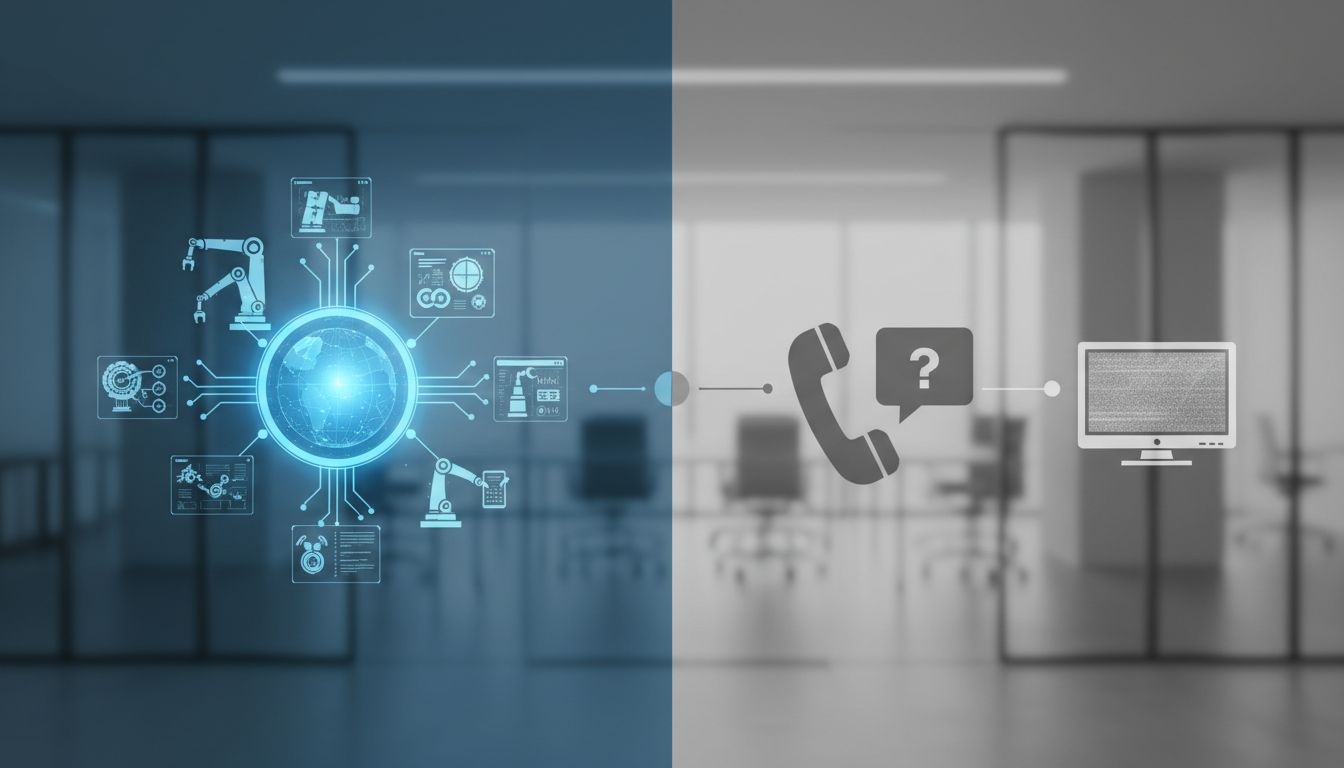

Most people do not need an AI that makes life-changing decisions for them. They need help with the small stuff: the repetitive online chores, follow-ups, copy-paste tasks, and little bits of coordination that quietly eat up the day. That is exactly where personal agents are becoming useful. Instead of only answering questions, they are starting to help people actually get things done.
This shift is showing up across the industry. Microsoft now describes Copilot Actions as a way to handle logistics and “take those logistics off your plate,” while OpenAI defines agents as systems that accomplish tasks on behalf of users. In plain English, the promise is simple: teach a personal agent your recurring tasks, supervise the important moments, and let it clear away the admin that slows you down.
From answering questions to doing the work
For a long time, AI assistants were mostly conversational tools. You asked for an explanation, a draft, or a summary, and the tool responded with text. That was helpful, but it still left you to open tabs, click through websites, copy details between apps, and finish the task yourself.
That model is changing. In March 2025, OpenAI said it views agents as systems that independently accomplish tasks on behalf of users. Around the same time, it introduced the Responses API with built-in tools for web search, file search, and computer use, all aimed at helping developers build reliable agents for multi-step tasks. The direction was clear: the future was not just better answers, but practical task execution.
Microsoft made a similar move on the consumer side. In its April 2025 AI companion announcement, the company said that with Actions, Copilot can partner with users to complete tasks “behind the scenes,” including booking event tickets, grabbing dinner reservations, or sending a gift. That phrase matters, because it captures the new expectation people are starting to have for assistants: not just guide me, but help carry the load.
What “the small stuff” really means
When people hear the word agent, they sometimes imagine a fully autonomous digital employee. In reality, the strongest near-term use case is much more grounded. The most helpful personal agents are the ones that remove low-value coordination work: checking availability, pulling together information, filling in forms, preparing drafts, organizing files, and moving through predictable desktop or web workflows.
Microsoft’s own examples reflect this practical focus. Its support documentation says Web Actions can help with common online tasks like booking tickets, grabbing dinner reservations, or sending a gift. Its May 2025 post on Copilot Actions frames the benefit in everyday language: taking routine logistics off your plate. This is not abstract AI hype. It is administrative relief.
That framing is important for non-technical users and small teams. The best starting point is not asking an agent to run your business or make critical decisions. It is teaching it the recurring steps you already know by heart: finding the right page, pulling the right data, opening the right tools, and getting 80% of the task done before you step in for approval.
Why personal agents are becoming more practical now
One reason personal agents feel more real today is that they are being connected to actual tools and services, not left sitting inside a chat box. When Microsoft launched Copilot Actions, it named consumer web partners such as Booking.com, Expedia, Kayak, OpenTable, Priceline, Tripadvisor, Skyscanner, Viator, Vrbo, and 1-800-Flowers.com. That signals a meaningful shift from demo conversations to real workflows.
OpenAI has been moving in the same direction. Its Operator update, later folded into ChatGPT agent, described tasks such as checking a calendar, briefing a user on meetings based on recent news, planning meals, buying ingredients, analyzing competitors, and creating a slide deck. Those are not one-click toy examples. They are multi-step tasks that blend research, coordination, and action.
Open standards are helping too. The Model Context Protocol, or MCP, was designed to connect assistants to external tools and data sources. That matters because a personal agent cannot clear your admin if it cannot reach your files, browser, apps, and services in a structured way. Better connections are what turn an assistant from a helpful voice into a useful operator.
How to teach an agent your recurring workflows
The easiest way to teach a personal agent is to start with a task you repeat every week. Pick something small, clear, and low-risk. Good examples include gathering meeting notes into one document, checking a set of websites for updates, collecting invoice attachments into a folder, preparing a draft email, or walking through a standard scheduling process.
Then break that task into visible steps. Non-technical users do not need to think in code. Just describe the workflow the way you would explain it to a coworker: open this app, look for this information, copy it here, compare these items, and ask me before sending or paying. This step-by-step structure is especially useful for desktop assistants that can see your screen and guide you as you go.
It also helps to define decision points. A good personal agent should handle the repetitive parts while leaving approvals to you. For example, it can gather restaurant options, draft the booking details, and present the final choice for confirmation. That is a practical, confidence-building way to delegate: automate the routine, keep control of the consequential.
Where personal agents already show real results
The move from prototype to production is no longer theoretical. OpenAI’s October 2025 AgentKit launch highlighted concrete outcomes, including Klarna building a support agent that handles two-thirds of all tickets and Clay reportedly achieving 10x growth with a sales agent. These are business examples, but they show that delegated workflows can create measurable value when the task boundaries are clear.
At the same time, consumer behavior is shifting too. Anthropic’s March 2026 reporting suggests assistant use is spreading across a wider variety of work and personal tasks. The top 10 most common task categories became less concentrated between late 2025 and early 2026, while personal use rose as a share of activity. That points to a broader pattern: assistants are no longer just specialist tools for a narrow set of users.
There is still an important reality check. Anthropic also reported that coding remained the largest category of Claude.ai conversations at 35%. So while personal agents are expanding into everyday life, adoption is still strongest in professional knowledge work. That makes sense. The category is growing, but it has not fully transformed into a universal household concierge yet.
What personal agents should not do on their own
Teaching an agent to take the small stuff off your plate does not mean handing over everything. The current boundary is fairly consistent across major providers: assistants are improving at logistics, browsing, drafting, retrieval, and multi-step coordination, but they are still restricted or discouraged from handling sensitive, high-stakes actions on their own.
Microsoft support explicitly says user supervision is still required for consequential actions such as purchases, reservations, emails, and calendar deletions. OpenAI likewise says its system is trained to decline certain sensitive tasks, including banking transactions and high-stakes decisions such as job-application decisions. These guardrails are not a weakness. They reflect a realistic understanding of where automation helps most safely today.
In practical terms, the best personal-agent setup is a hybrid one. Let the assistant do the searching, organizing, cross-checking, and draft preparation. Then require a human yes-or-no step before money moves, messages go out, or important records change. That division keeps the convenience while reducing unnecessary risk.
Security matters when agents can click, type, and access accounts
As agents become more capable, the security conversation becomes more important. Anthropic’s computer-use tooling, for example, allows autonomous desktop interaction using screenshots plus mouse and keyboard control. That is powerful because it lets an assistant operate software much like a person would. It is also why the company treats computer use as high-risk automation.
Its guidance recommends using a dedicated VM or container, minimizing privileges, and avoiding unnecessary access to sensitive data or accounts. Those recommendations are worth taking seriously. If you teach an agent to manage admin work across your desktop, browser, inbox, and files, you are also expanding your attack surface.
Researchers are studying this tradeoff closely. An April 2026 safety paper described OpenClaw as the most widely deployed personal AI agent in early 2026 and noted that it had full local system access plus integrations with services like Gmail, Stripe, and the filesystem. The same paper evaluated multiple attack scenarios, underscoring the central tension of the category: the same capabilities that make personal agents helpful can also make them risky if permissions are too broad.
The best way to start: useful, supervised, and boring
If you want a personal agent to succeed, start with tasks that are boring in the best possible way. The ideal first workflows are repetitive, rules-based, and easy to verify. Think status checks, routine research, data gathering, meeting prep, follow-up drafts, file sorting, or collecting information from a few standard websites and apps.
This is also where a desktop assistant can shine for non-technical users. Instead of expecting you to build a complex automation from scratch, it can watch the screen, guide you step by step, and help turn your normal routine into a repeatable process. That lowers the barrier to entry and makes automation feel more like coaching than programming.
Over time, conversation itself is becoming the interface for creating these workflows. Microsoft has said agent adoption is moving from experimental to operational, with conversation turning into the “agent-making interface.” That is great news for everyday users: the future of automation may look less like writing scripts and more like saying, “When this email arrives, pull the attachment, rename it, save it to this folder, and remind me to review it.”
Personal agents are moving from “answer my question” to “clear my admin,” and that is a much more practical promise for most people. The biggest opportunity is not replacing human judgment. It is reducing the background load of logistics, coordination, browsing, file handling, and repetitive desktop work that drains time and attention.
If you teach an agent carefully, keep it inside clear boundaries, and stay in the loop for meaningful decisions, it can become a very useful teammate. Start small, choose tasks you already understand, and optimize for trust before autonomy. That is how you get real value from personal agents: not by asking them to run your life, but by letting them quietly take the small stuff off your plate.